Salesforce
Connect Salesforce to ingest activated contracts with attached PDFs and validate them against your policy checks.
Integration Summary
Meshly connects to Salesforce to ingest activated contracts with attached PDFs and validate them against your policy checks.
What this integration enables
Meshly ingests activated contracts, stores PDFs securely, extracts key fields, and flags issues like missing POs, payment term mismatches, and signature gaps.
Prerequisites
- Access requirements: Salesforce admin access
- System permissions: Admin access in Meshly
How to Connect
Steps at a high level:
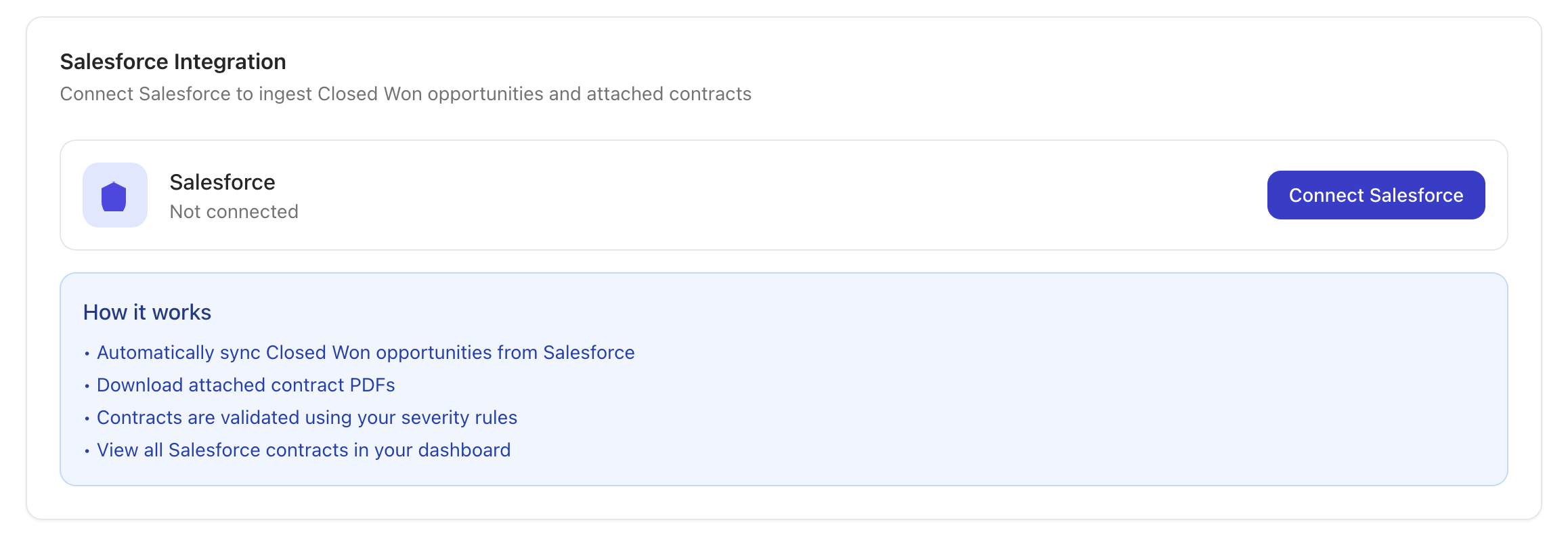
- Go to Settings and open the Integrations tab.
- Click Salesforce and select Connect.
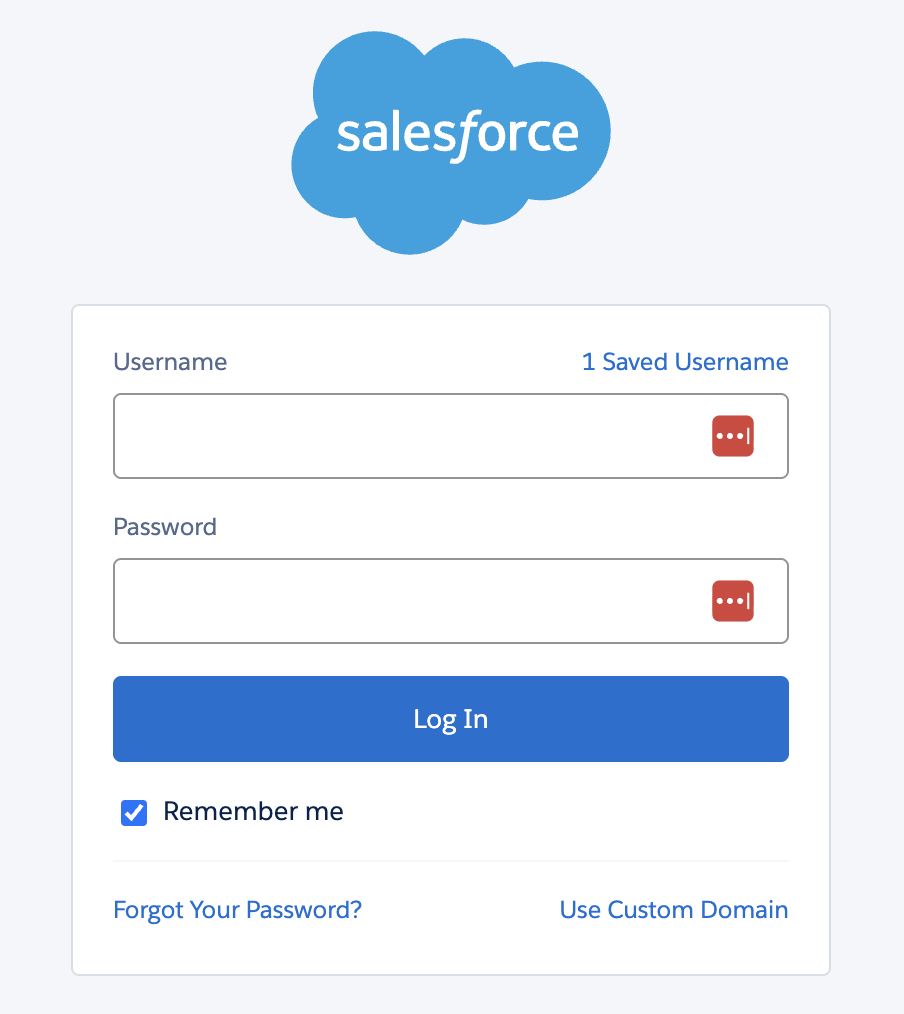
- Sign in to Salesforce and authorize access.
What happens immediately after connection
- Meshly continuously monitors for new and updated contracts.
- Activated contracts with PDFs begin processing.
Data Meshly Ingests
Objects
- Contracts (Salesforce Contract object)
- PDF attachments linked to contracts
Object states
- Activated only
Update behavior
- Incremental polling by last modified date.
- New and updated contracts are ingested.
What Meshly Checks
- Payment terms: Flags contracts above your threshold.
- Purchase order: Captures POs and flags missing or required POs.
- Opt out and auto renewal: Flags missing opt-out language.
- Signatures: Flags incomplete or missing signatures.
- ASC 606: Required dates and values.
- Discounts: Flags discounts above thresholds.
- Other key fields: Effective date, end date, ACV, unit price, fees, SLA notes, tax fields.
Drift Detection
Contracts sourced from Salesforce can be used in drift detection against invoice sources.
Matching
- Meshly automatically matches records across sources.
Outputs
- UI flags with severity levels
- CSV export entries with violation reasons
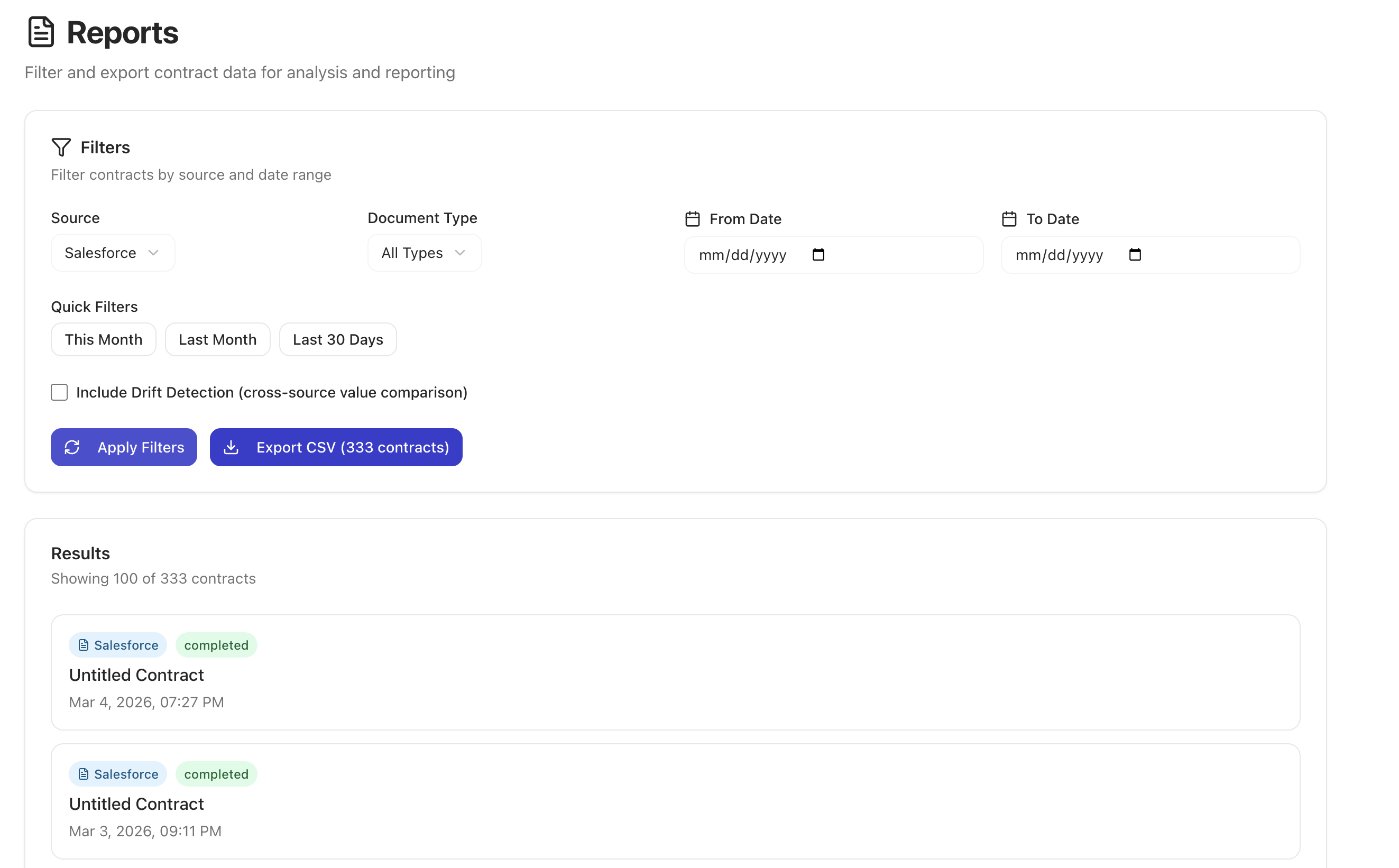
Reports
- Filter by source, document type, and date range.
- Export CSV for reconciliation and audit trails.
Scope and Limitations
Explicit non-support list
- Tax code mapping rules
- Currency conversion / multi-currency handling
- Credit notes
- Customer or item mapping
Salesforce specific
- Read-only access; Meshly never writes to Salesforce.
- Only contracts with Status = Activated are ingested.
- Only PDF attachments are processed.
Troubleshooting
- Contract not appearing: Confirm status is Activated and a PDF is attached.
- PDF not detected: Ensure the attachment is a PDF and linked to the contract.
- Unexpected flags: Send contract ID and PDF for review.
- Token expired: Reconnect Salesforce in Integrations.
Support
Email hello@meshly.ai with contract ID and a short description of the issue.
Need help? Email hello@meshly.ai